VUSB-dat
Use guide
Demo Guide
1. check the use guide video here: https://www.youtube.com/shorts/ePX9KjBYBIk
2. GIF video here. 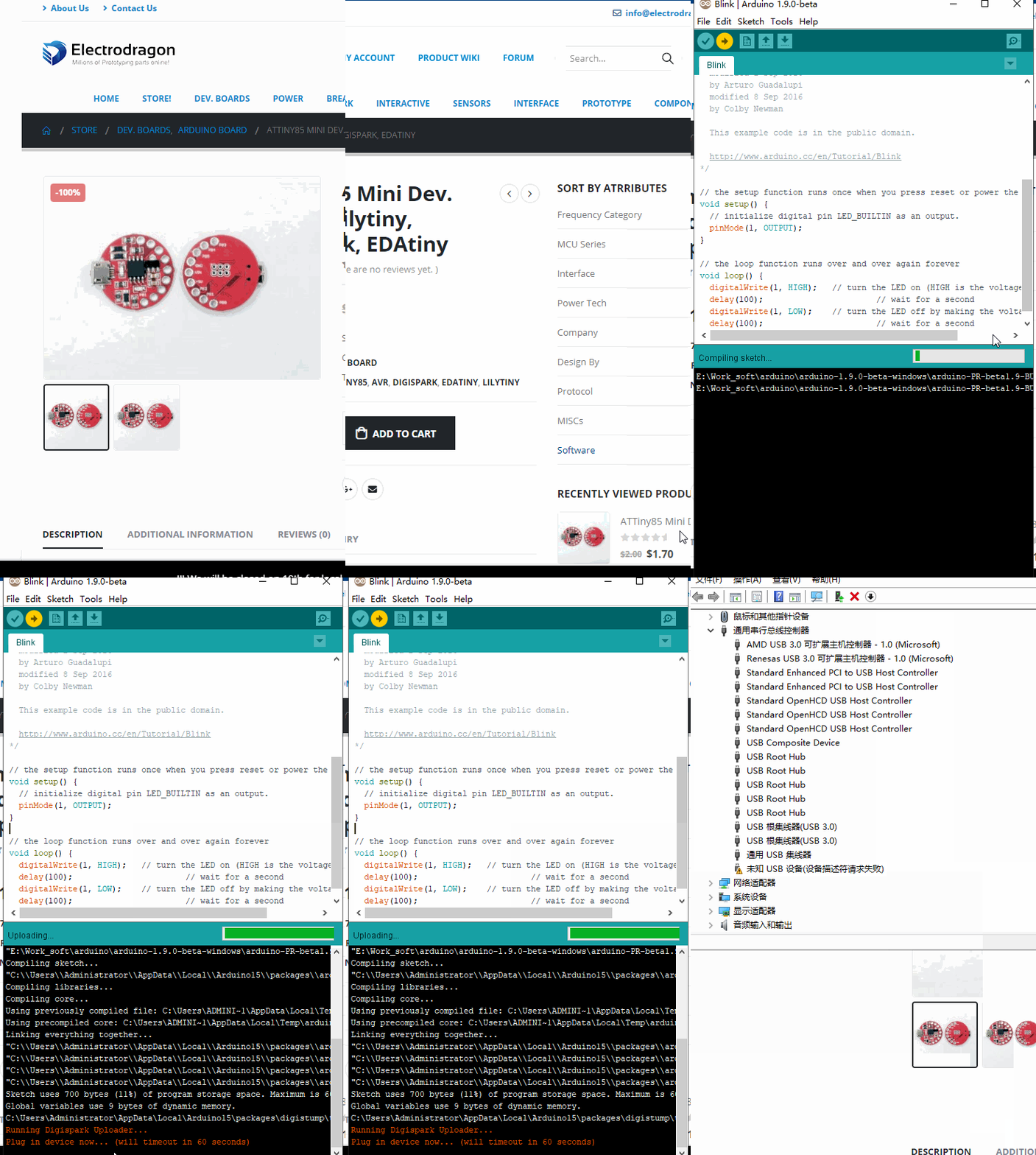
Steps:
- install driver here Tech-dat/Interface-dat/USB-SDK-dat/VUSB-dat/Digistump.Drivers.zip
- install the board: http://digistump.com/package_digistump_index.json
- Copy following into preference -> http://digistump.com/package_digistump_index.json
- Install digi spark from board management.
- More reference guide could see here https://digistump.com/wiki/digispark/tutorials/connecting
Upload demo sketch (Default sketch)
- Use arduino example sketch, change buildinLED to 1 for EDAtiny
- ONLY plug in USB cable when starting to upload sketch
debug
During upload sketch in you encounter any error, update the board driver to lisusb-win32 by avr-sdk-dat
Blink - On board test LED is D1, please try pinMode(1, OUTPUT);