install windows 2026
winget install Espressif.EIM
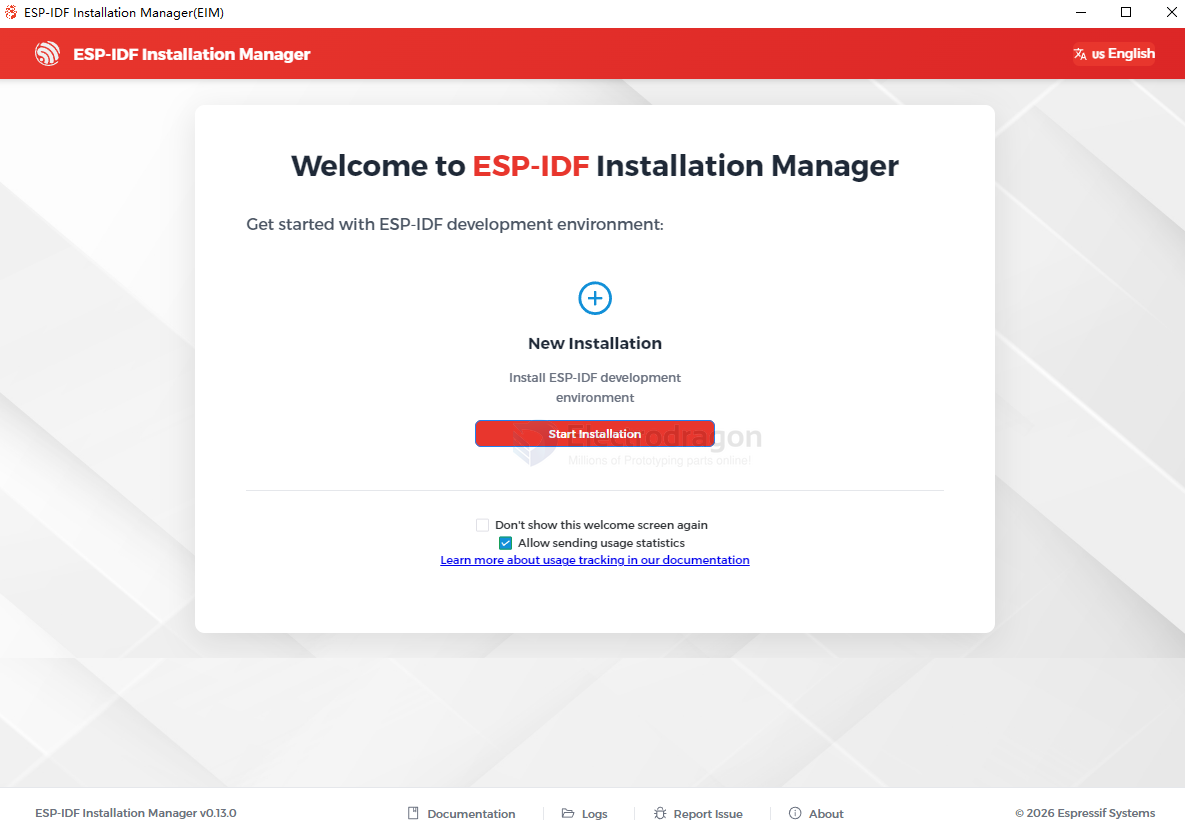
custom installation path set to d:\esp
offline installer == better
https://dl.espressif.com/dl/idf-installer/esp-idf-tools-setup-offline-5.5.4.exe
https://dl.espressif.cn/dl/esp-idf/
install
Standard Toolchain Setup for Linux and macOS
vscode
ESP32-C3
- install vs-cpp-dat
Download an archive with submodules included Attached to this release is an esp-idf-v5.0.zip archive. It includes .git directory and all the submodules, so can be used out of the box. This archive is provided for users who have connectivity issues preventing them from cloning from GitHub.
This archive can also be downloaded from Espressif's download server: https://dl.espressif.com/github_assets/espressif/esp-idf/releases/download/v5.0/esp-idf-v5.0.zip
- idf install python 3.11
- idf-vs install python 3.8.7
installer
Espressif-IDE
ESP-IDF
install.bat Selected targets are: esp32c3, esp32c2, esp32, esp32s3, esp32h2, esp32s2 Installing tools: xtensa-esp-elf-gdb, riscv32-esp-elf-gdb, xtensa-esp32-elf, xtensa-esp32s2-elf, xtensa-esp32s3-elf, riscv32-esp-elf, esp32ulp-elf, cmake, openocd-esp32, ninja, idf-exe, ccache, dfu-util
C:\Users\Administrator.espressif
Setting up Python environment Creating a new Python environment in C:\Users\Administrator.espressif\python_env\idf5.0_py3.10_env