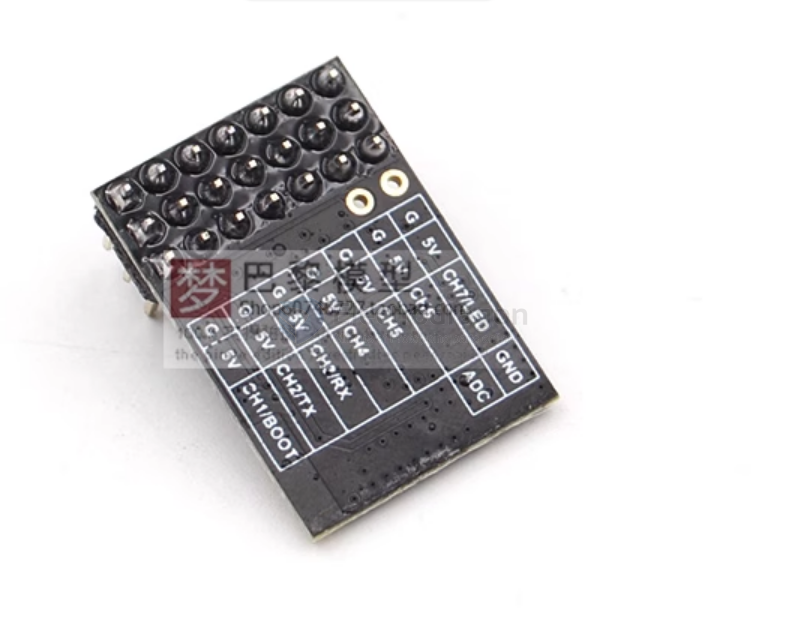
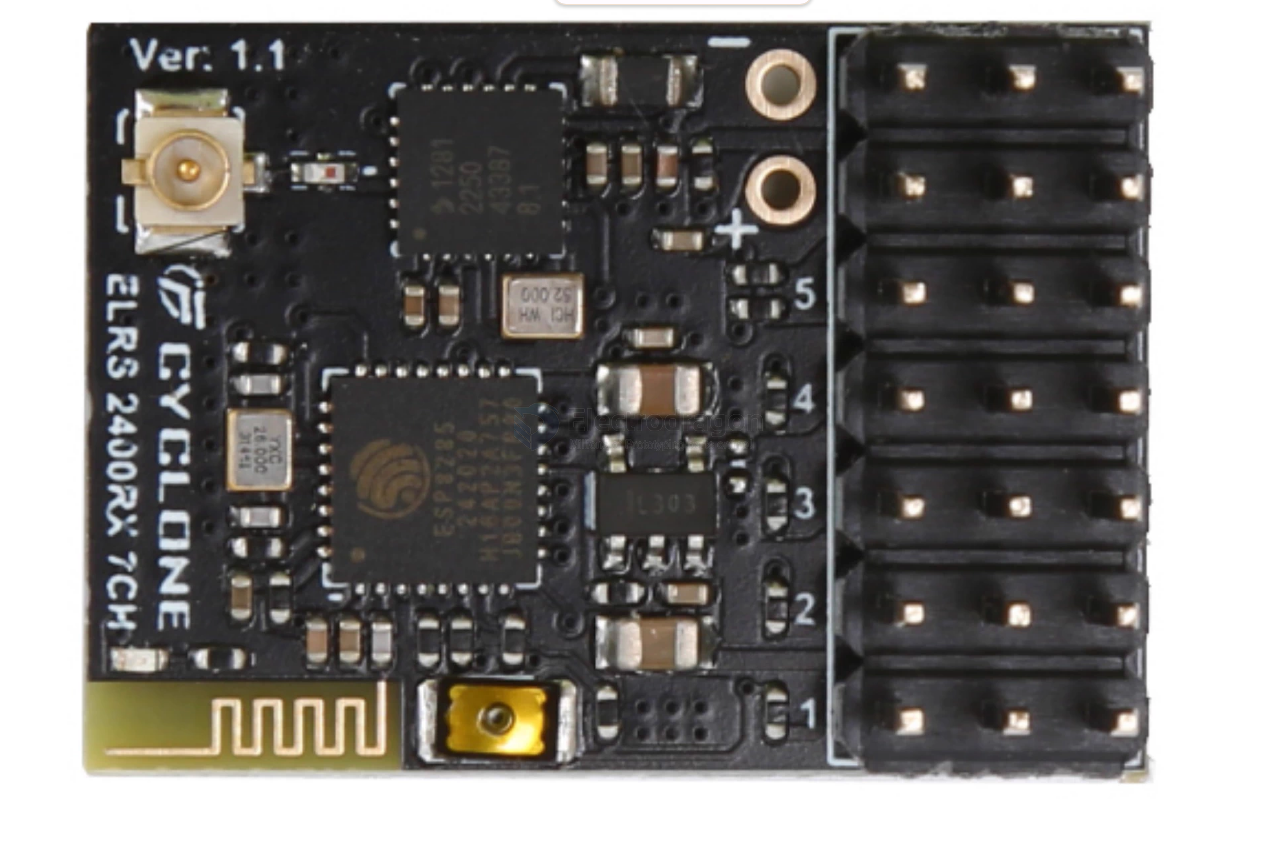
Electrodragon 7CH PWM ELRS Receiver
Electrodragon ELRS 2.4G Receiver, Seven-Channel PWM Receiver
This receiver features independent PWM channel outputs, suitable for fixed-wing aircraft, cars, boats, and other models. It also supports CRSF output. The two output signals (PWM and CRSF) can be switched without re-flashing the firmware.
Follow these steps to switch between PWM (6CH/7CH) and CRSF modes:
Accessing the Receiver's Wi-Fi Network:
- If connected to the high-frequency head (transmitter module): Use the transmitter's LUA script menu to activate the receiver's Wi-Fi.
- If not connected to the high-frequency head: Power on the receiver and wait for one minute. The receiver will automatically enter Wi-Fi mode.
Connecting to the Receiver's Wi-Fi:
- Search for Wi-Fi networks on your computer or phone.
- Wi-Fi Hotspot Name (SSID):
EXPRESSLRSRX - Connection Password (all lowercase):
expresslrs
Accessing the Configuration Page:
- Open a web browser and go to:
http://10.0.0.1/hardware.html
Configuring the Receiver:
- This will take you to the ELRS hardware configuration page where you can import hardware configuration files.
- Caution: Do not modify parameters yourself unless you fully understand their meaning.
- Import the provided configuration file for either
PWM7CHorCRSF. - Click the button at the bottom of the page and wait for the receiver to restart automatically.
custom PWM setup
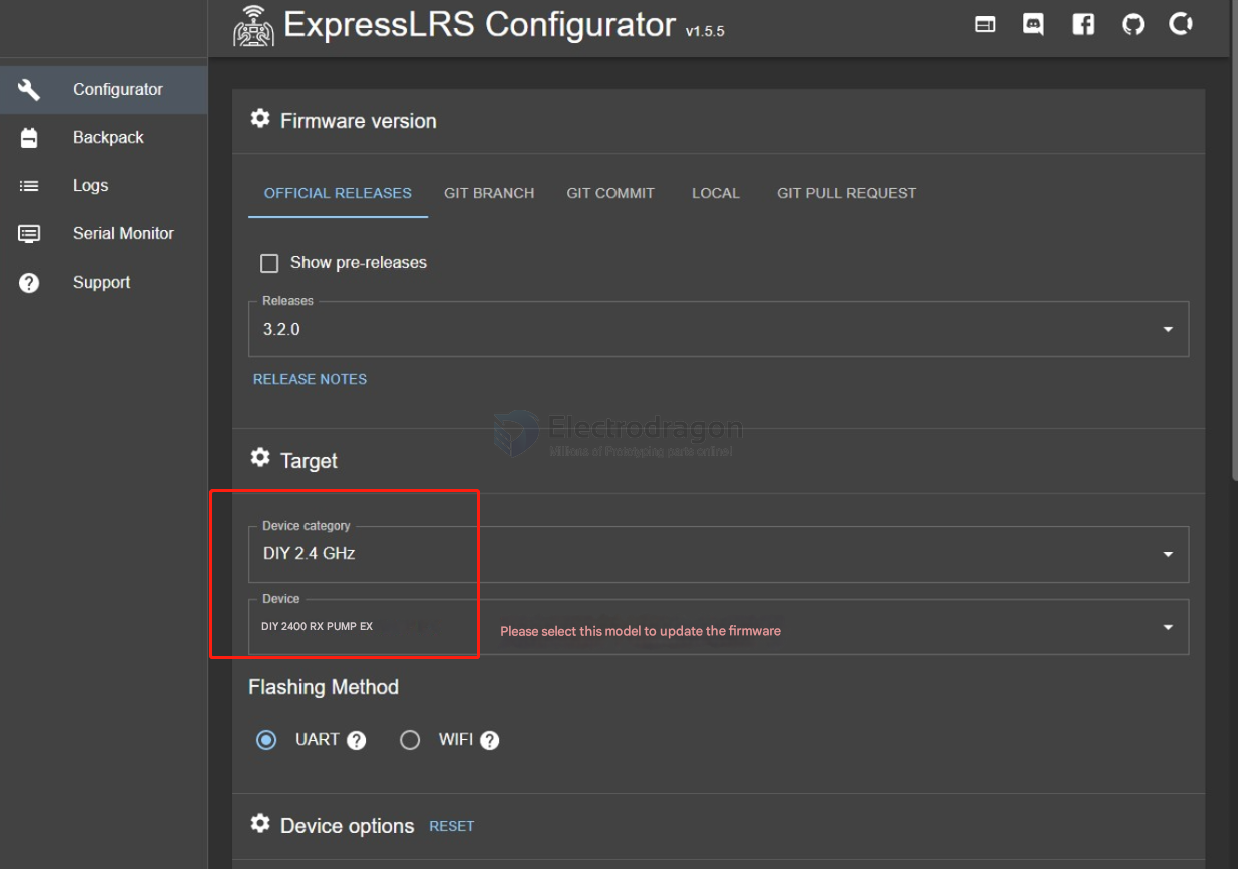
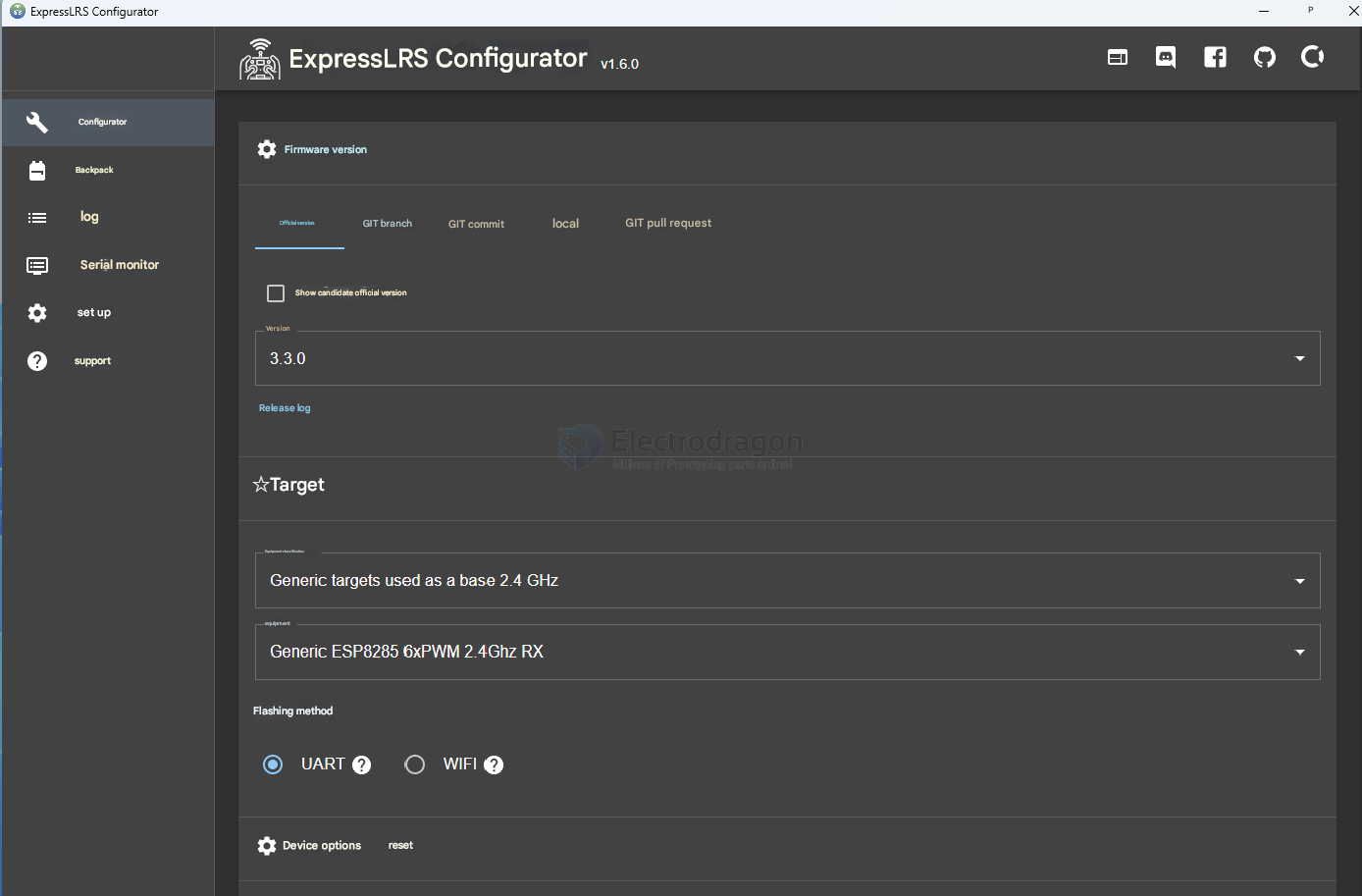
setup for ELRS-HF-RF-module-dat
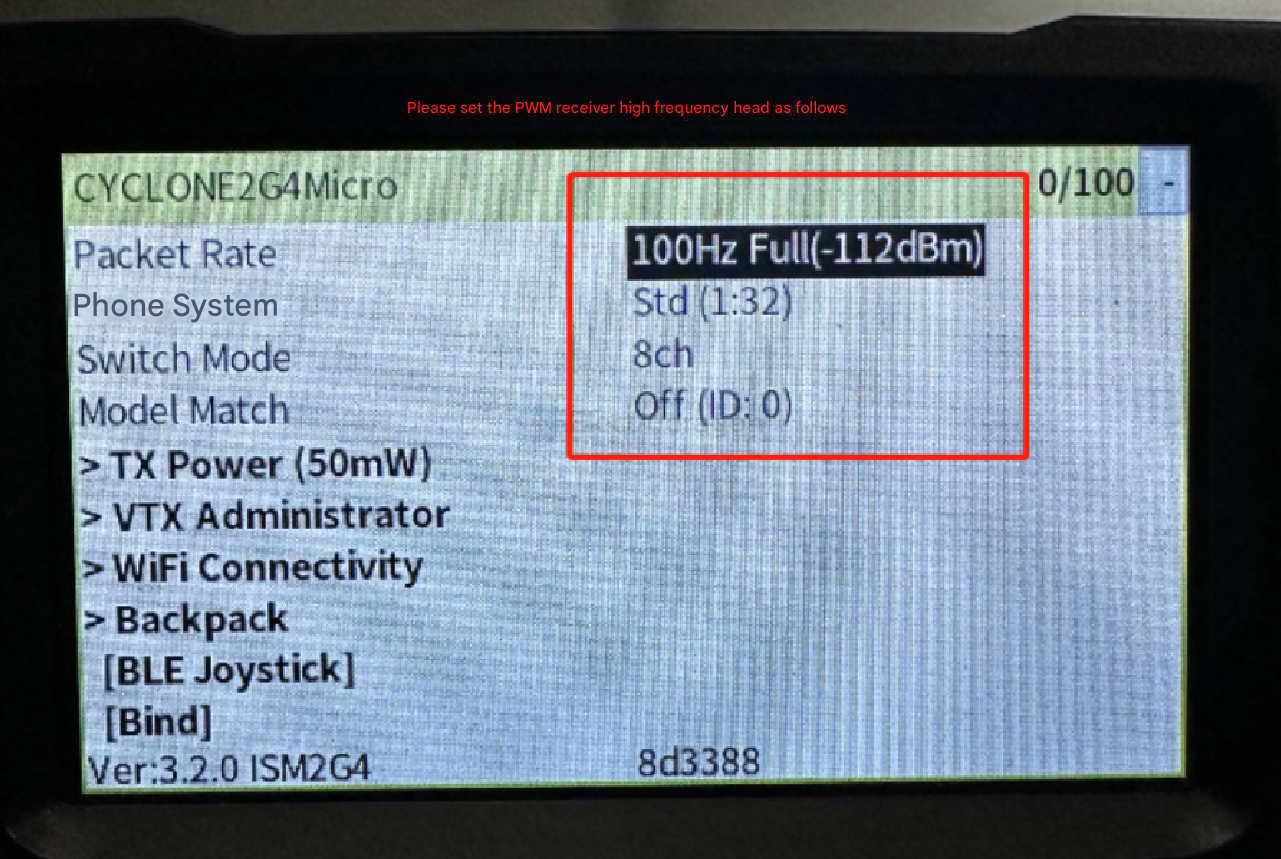
configuration file
- Network-dat/RC-dat/RC-TX-dat/ELRS-dat/ELRS-PWM-dat/7CH.json - Network-dat/RC-dat/RC-TX-dat/ELRS-dat/ELRS-PWM-dat/CRSF.json
the pwm channels
"pwm_outputs": [
    0,
    1,
    3,
    9,
    10,
    5,
    16
],